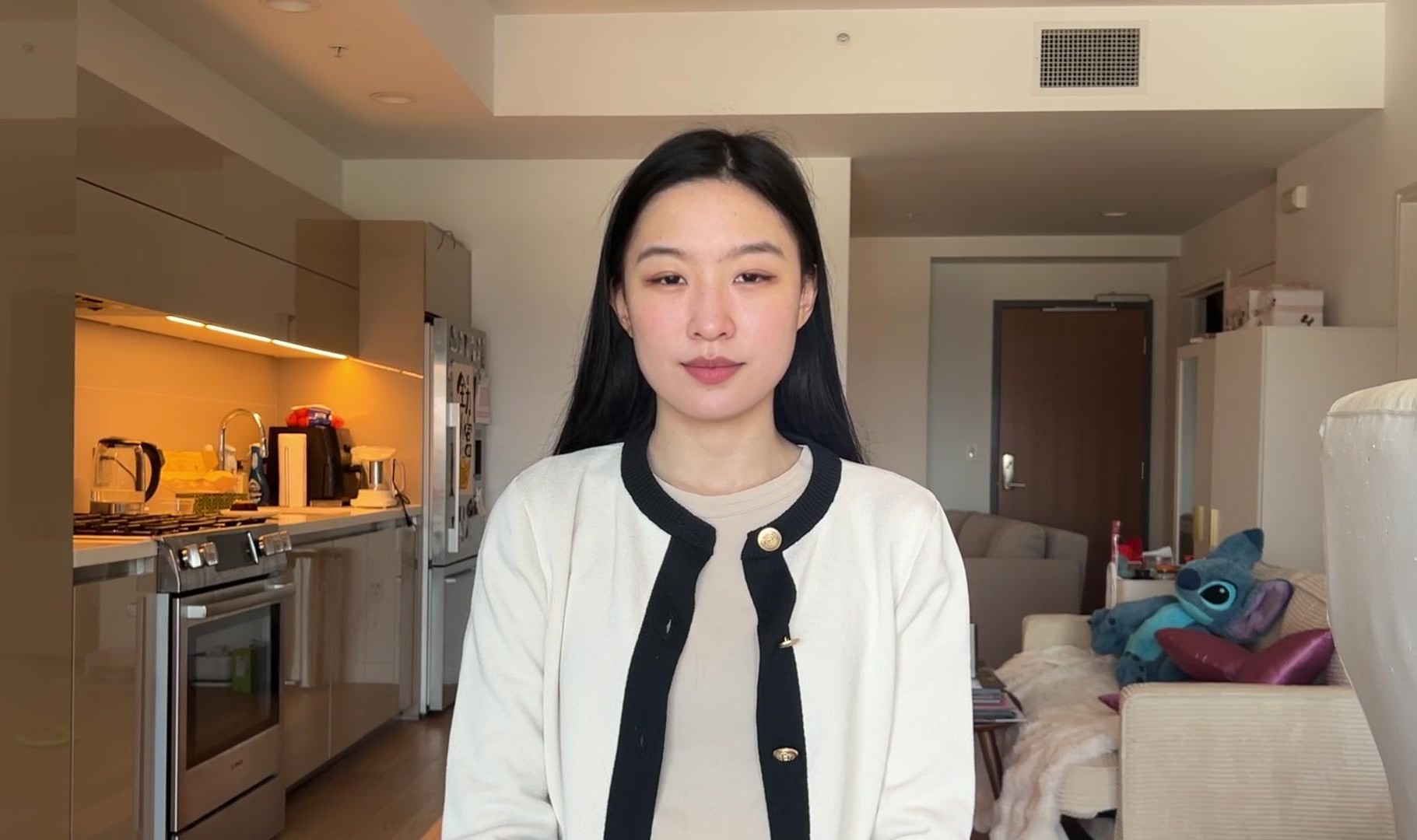
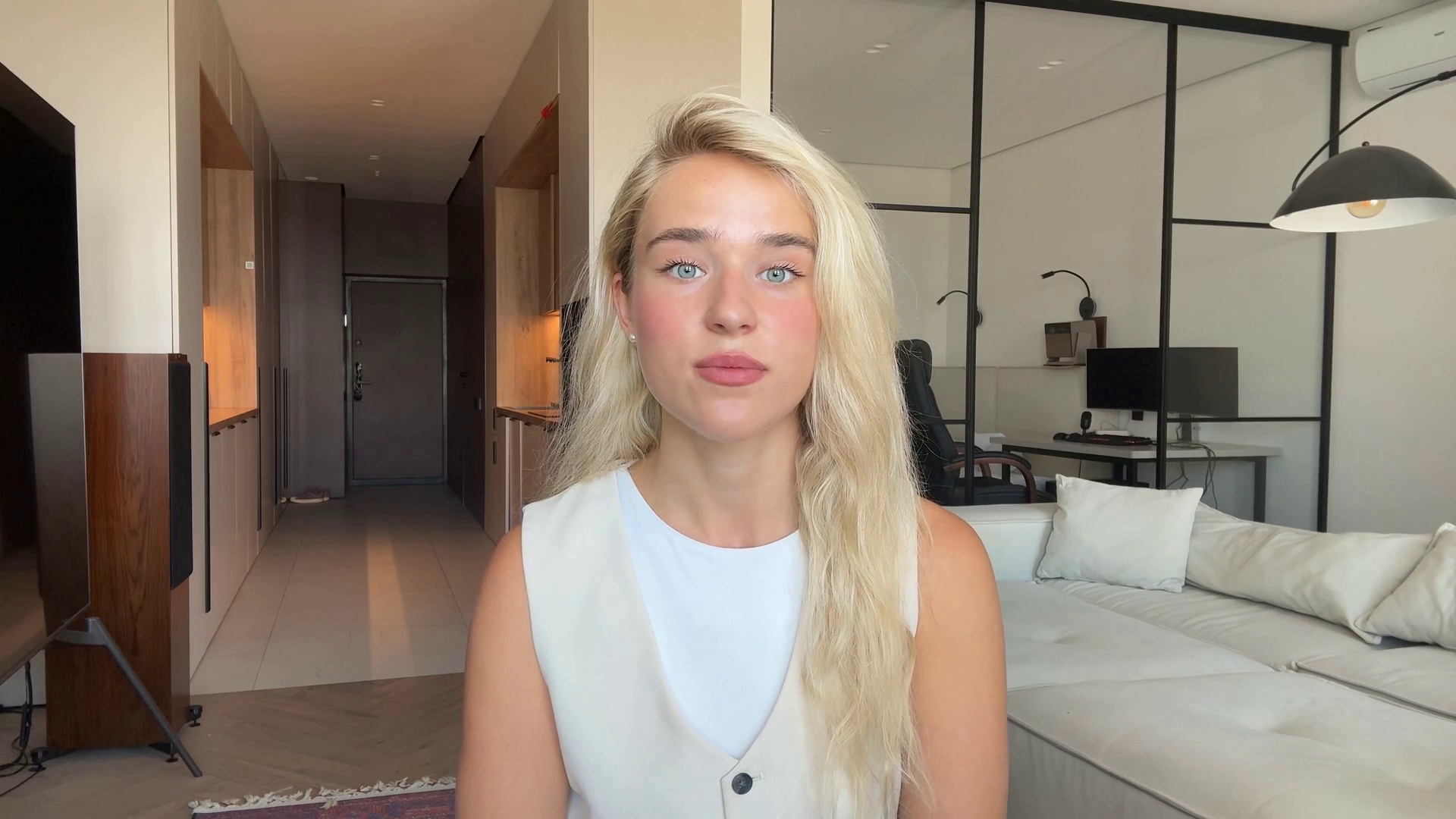
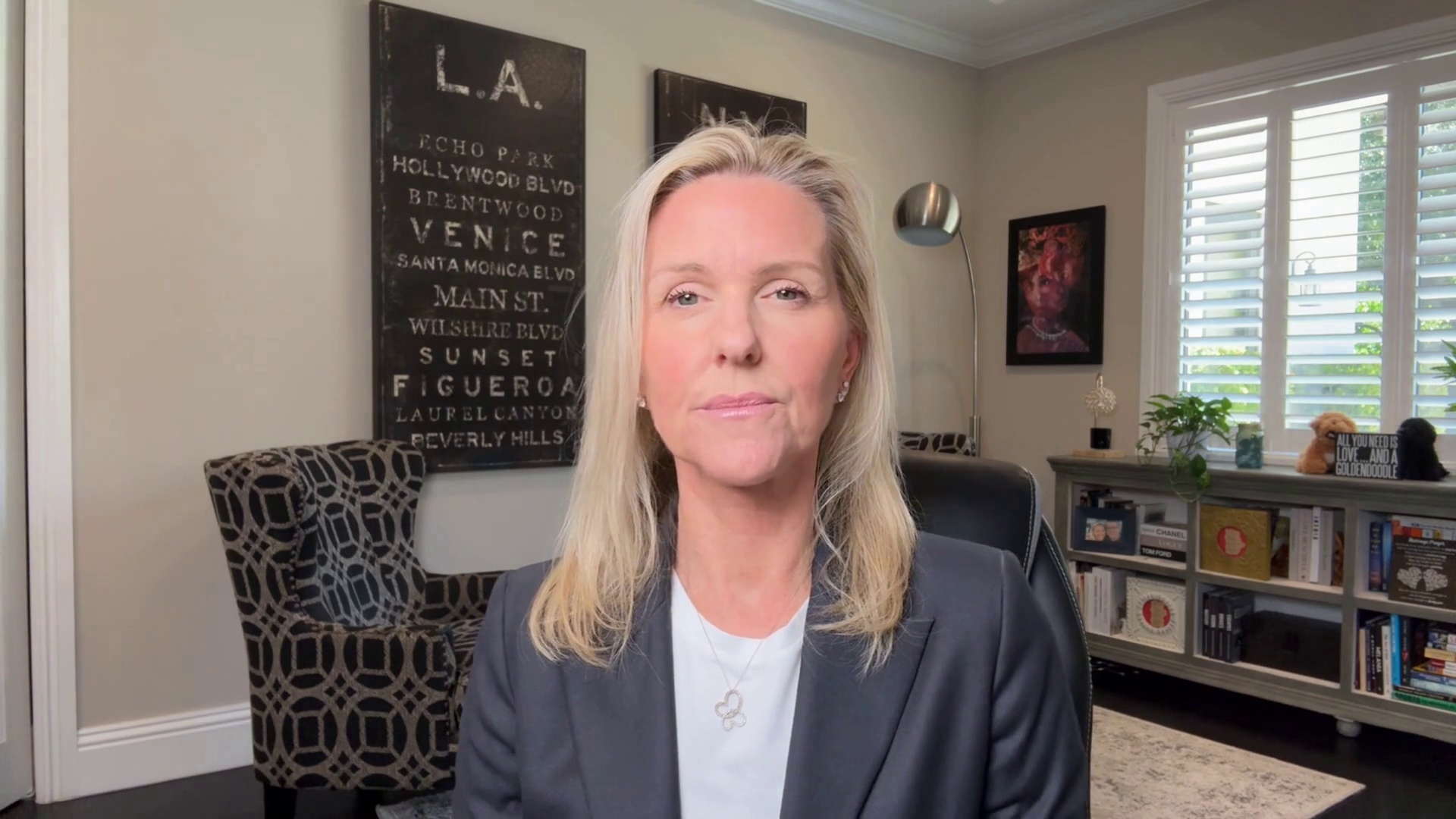
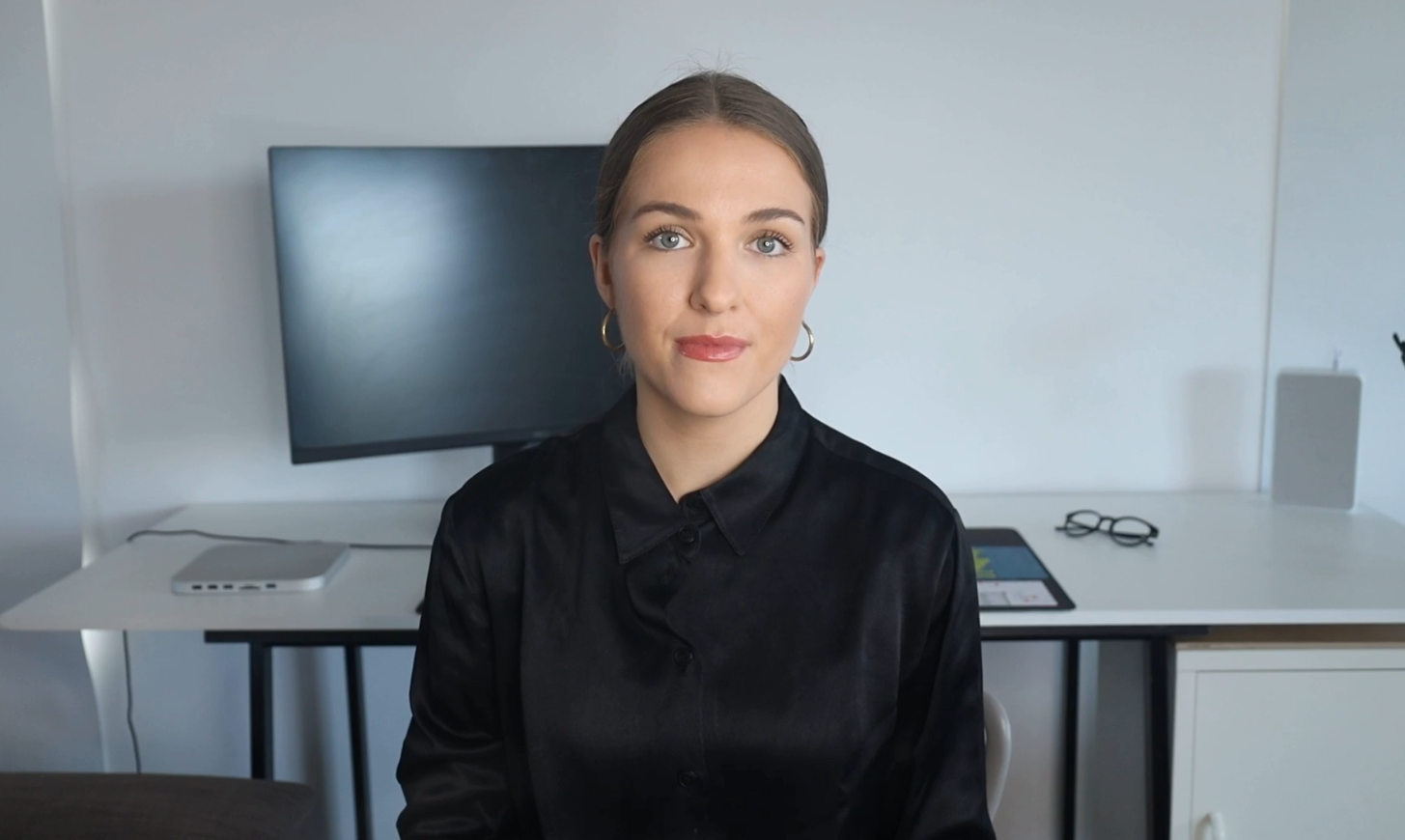
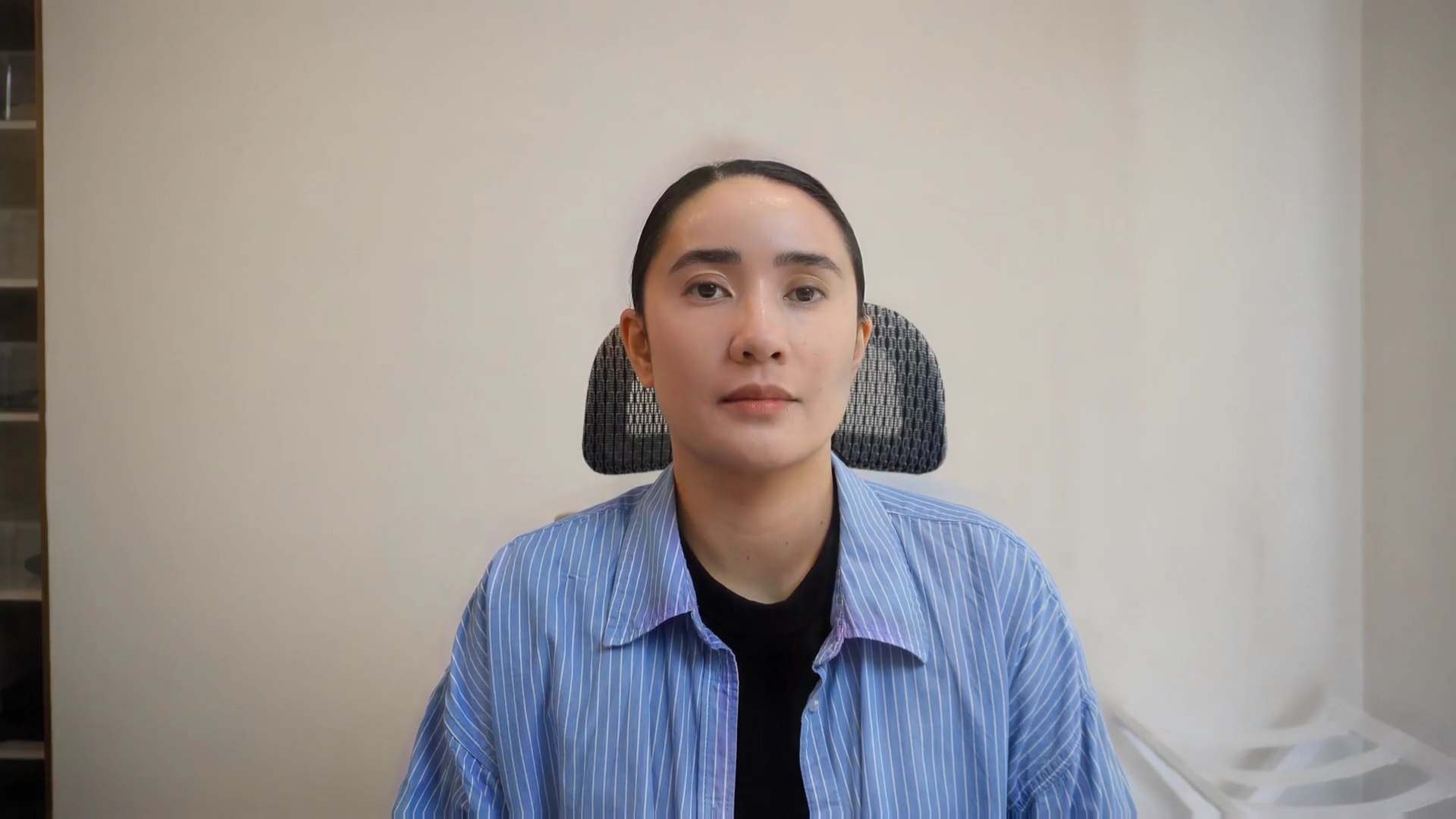
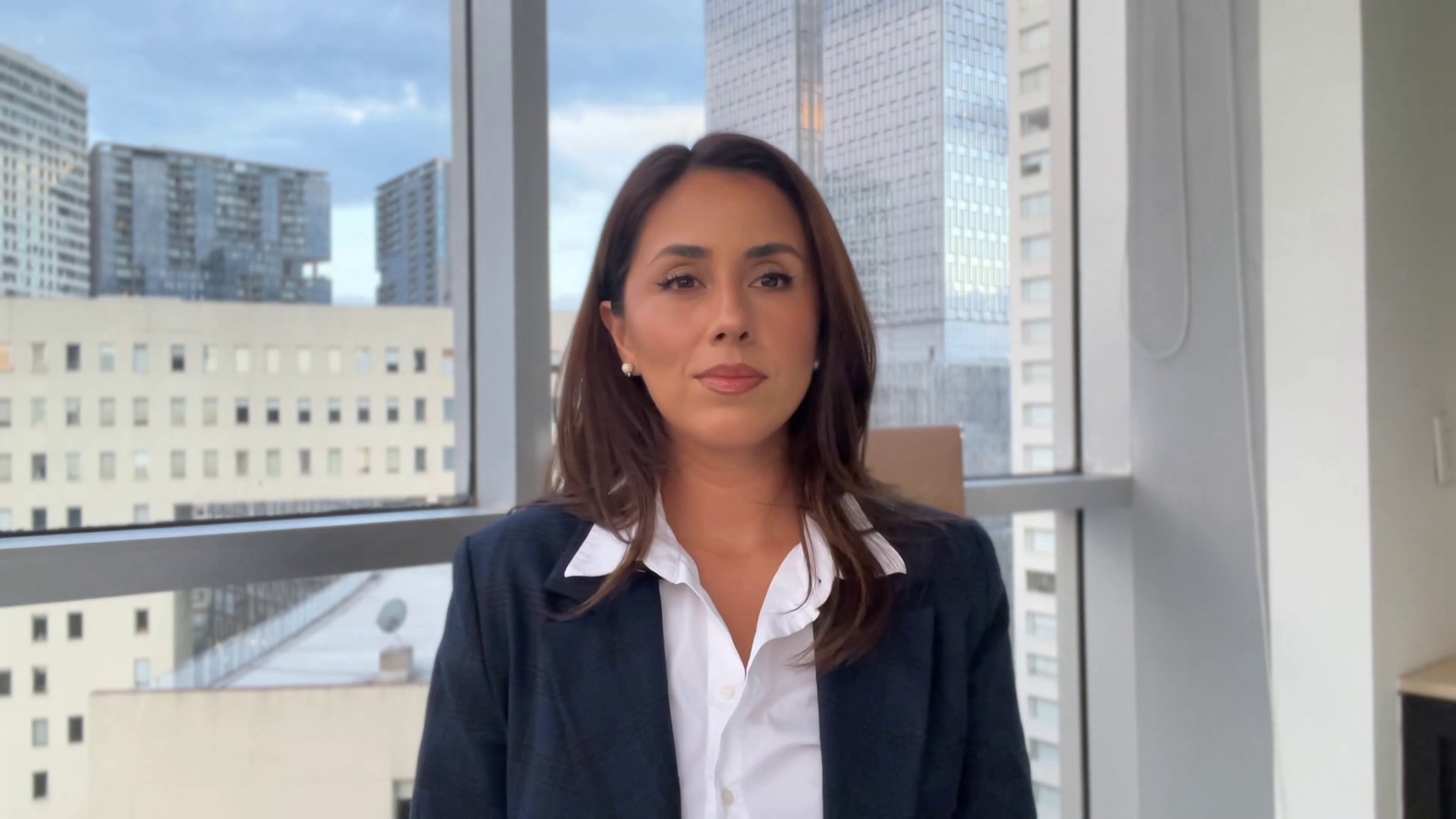
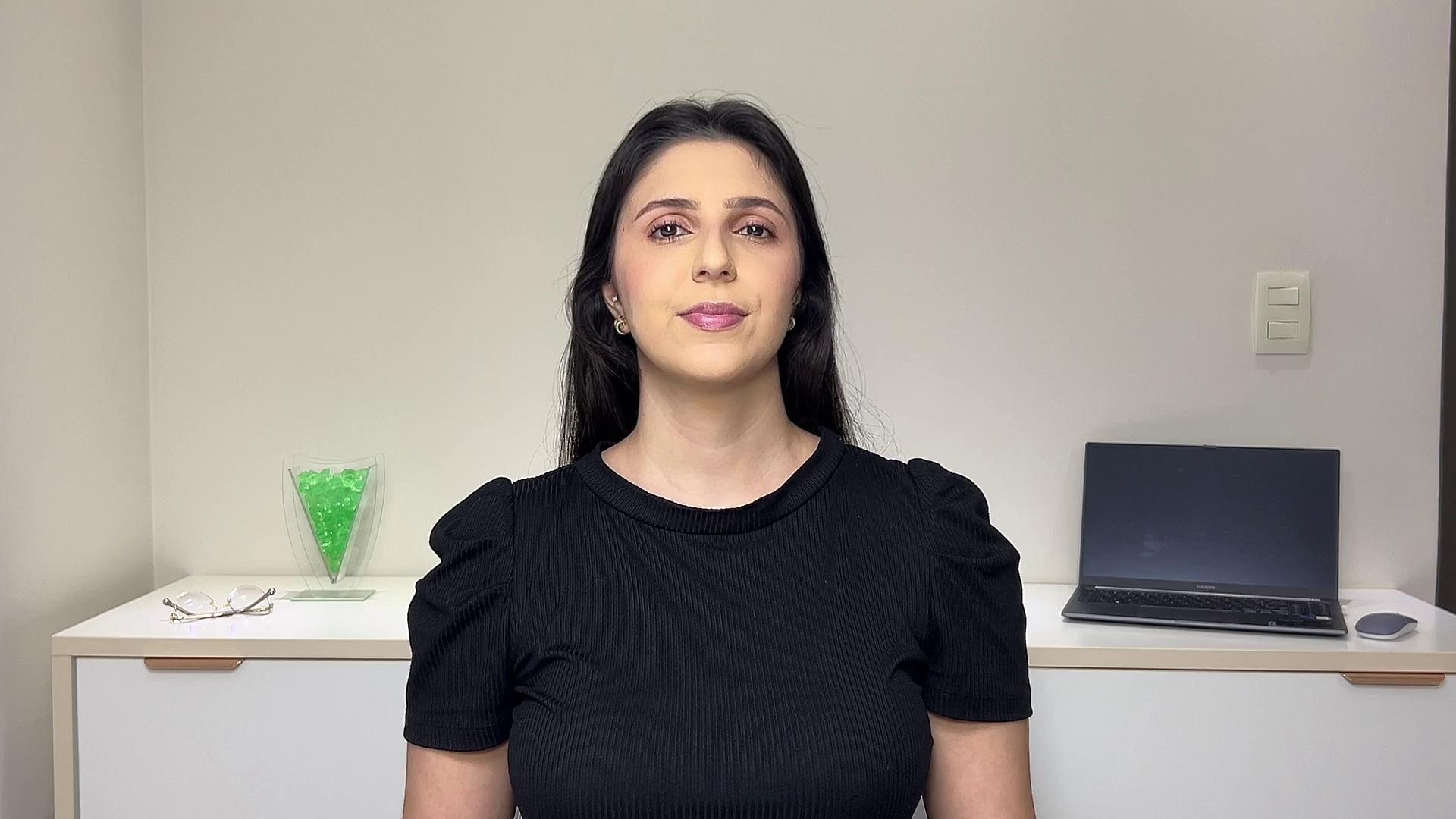
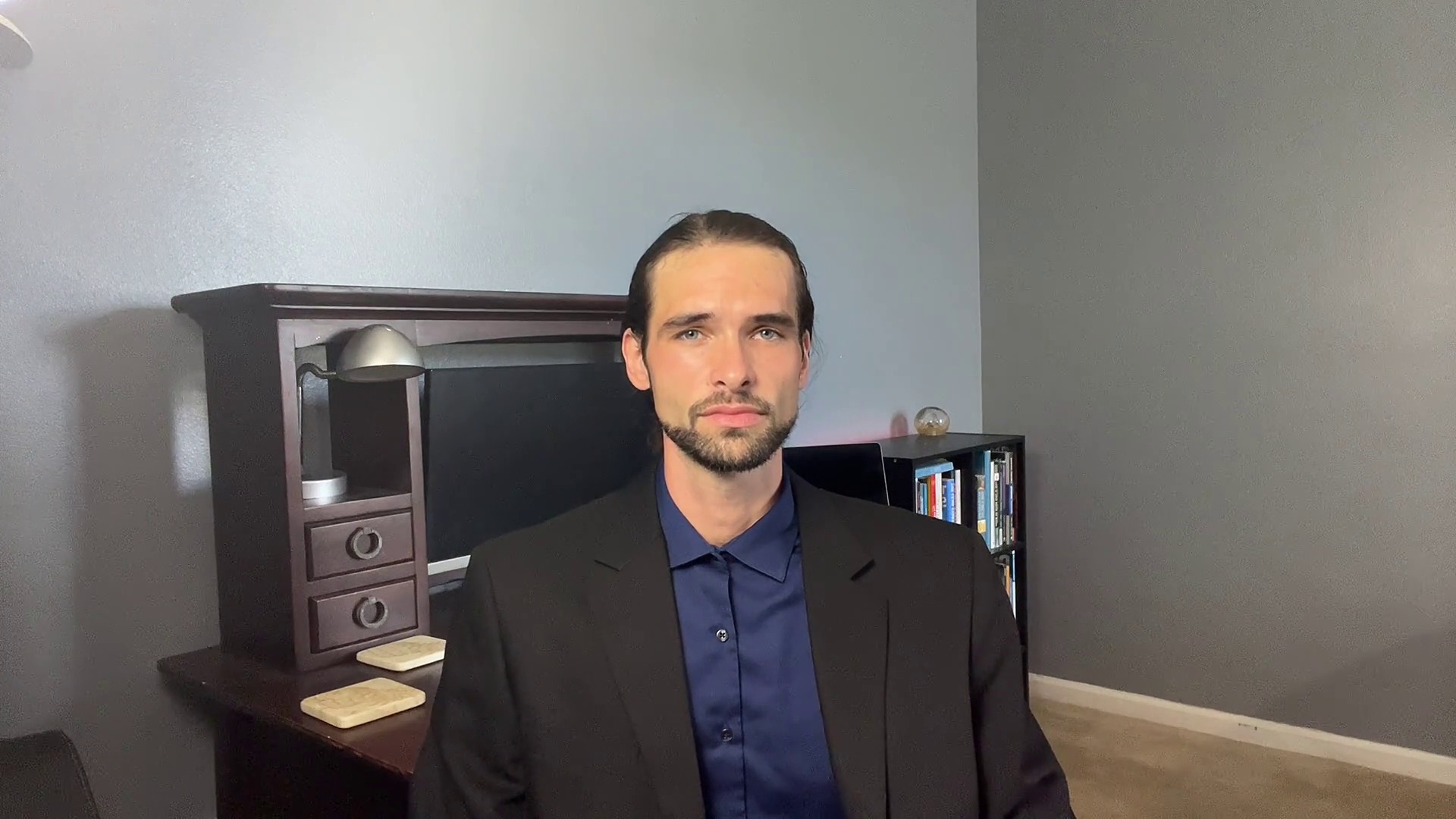
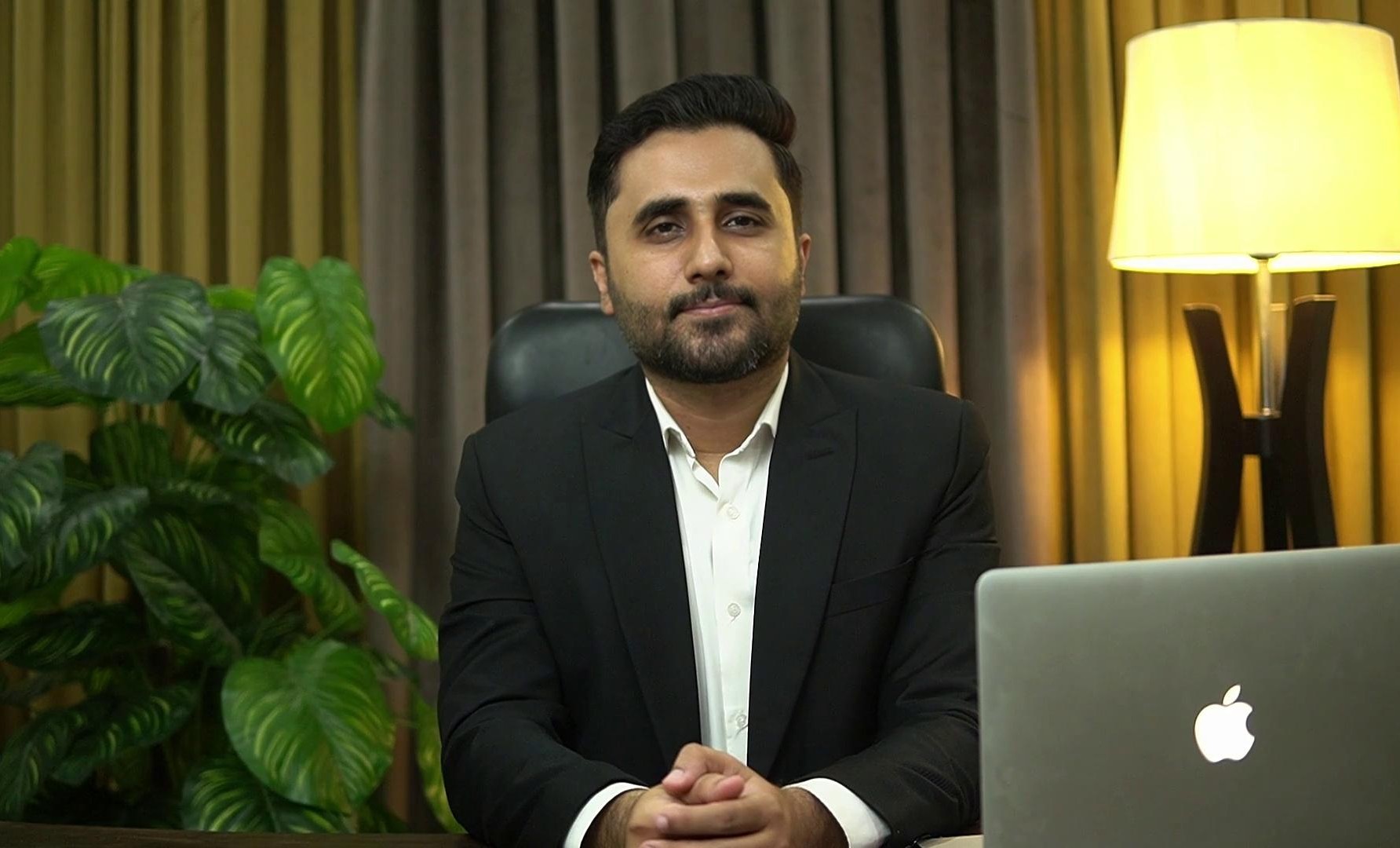
TruGen’s stock avatars are built on Huma-3 and render lifelike facial motion, expression, and speech synchronisation in real time. Click the copy icon next to any avatar ID to copy it, then paste it into your agent’s avatar_ids field.
Cathy
Cathy
17de03e4
Chloe
Chloe
45e3f732
Clara
Clara
7e95996
Jennifer
Jennifer
0de70332
Jessica
Jessica
21ef04ad
Lisa
Lisa
665a1170
Lucy
Lucy
c5b563de
Misha
Misha
05b401f3
Priya
Priya
1e4ea106
Sofia
Sofia
1928040f
Akbar
Akbar
18c4043e
Alex
Alex
80b9095f
Aman
Aman
5daa73d5
Jason
Jason
05a001fc
Johnny
Johnny
1fa504ff
Mike
Mike
03ae0187
Sameer
Sameer
60a0926a

Using an Avatar ID

Pass the copied ID into the avatar_ids array when creating an agent:

What’s Next?

Create a Custom Avatar

Upload a photo or use your camera to build your own avatar.

Source Image Best Practices

Technical specs and guidelines for the highest-quality custom avatars.

Avatars API Reference

Programmatic access to the full avatar list.

LiveKit Integration

Use these avatars with the TruGen LiveKit plugin.