

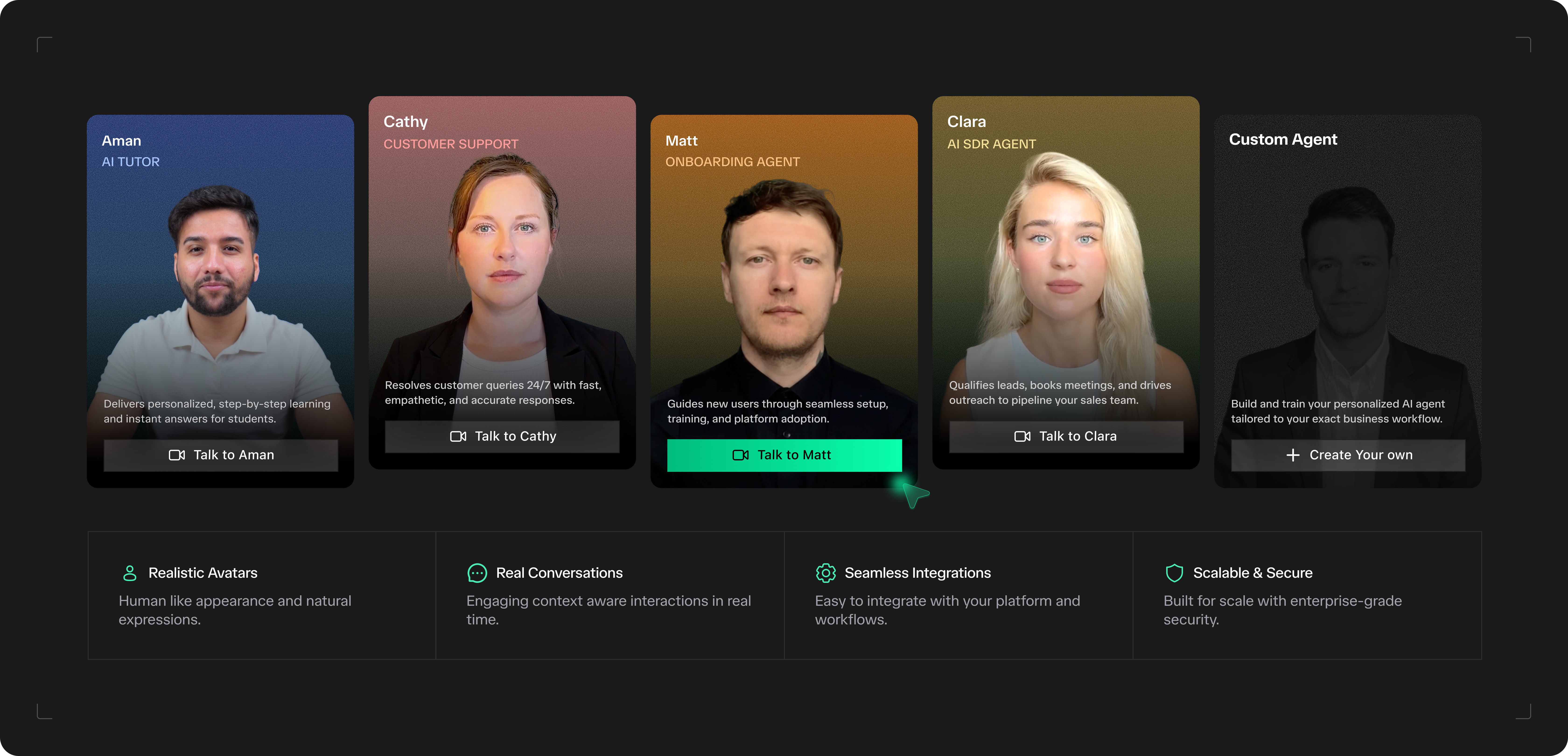
What you can build
Customer support agents
Handle inbound questions with brand-accurate answers grounded in your docs.
Sales & lead qualification
Qualify inbound leads, demo products, and hand off to a human when the
conversation calls for it.
Interviewers & assessors
Run structured interviews, score responses, and produce transcripts you can
review.
Onboarding & training
Walk new hires or customers through a guided flow with vision-aware
coaching.
Healthcare intake
Collect symptoms, history, and consent before the appointment: in the
patient’s own language.
Language & skills tutors
Practice, correct, and coach with a patient teacher that never runs out of
hours.
Financial concierges
Guide users through applications, KYC, and product selection with a calm,
compliant voice.
In-store & kiosk agents
Turn any screen with a camera into a helpful teammate that greets and
assists customers.
How it works
Every agent runs through the same five-stage pipeline. Each stage is pluggable, and every stage can be configured per agent.1
Capture: WebRTC in
The user’s audio and video stream into the pipeline with sub-100 ms
transport, from any modern browser or mobile web.
2
Perceive: STT + Hawkeye-1
Speech-to-text transcribes audio in real time. Hawkeye-1 analyses the video
stream for gaze, gesture, and scene context: and hands both to the LLM.
3
Reason: LLM
The language model generates a response using the agent’s system prompt,
attached knowledge base, memory, and available tools.
4
Speak: TTS
Text-to-speech renders the response as natural, expressive audio in the
language the user spoke.
5
Render: Huma-2 + WebRTC out
Huma-2 generates the avatar video frame-by-frame, synced to the audio, and
streams both back to the user: closing the loop in under a second.
Performance characteristics
Numbers are measured on the default Groq + ElevenLabs stack. Latency and quality vary with your chosen LLM, TTS, and network path.
Foundation models
TruGen ships three proprietary models. Each has a specific job: combine them or use them independently.
Compare models in depth →
Three ways to build
No-code: Studio
Create, configure, and test an agent in the TruGen Studio. Ship with an
iFrame in a single line.
Low-code: Widget
Drop the React widget into any app with an
agentId. Full theming, no
WebRTC handling.Full-code: SDKs
Use the JavaScript or Python SDK for custom UIs, custom event pipelines, or
server-driven agent orchestration.
Next steps
Quickstart
Create your first agent and embed it in under 5 minutes.
Agent concepts
Understand what an agent is, how conversations flow, and what’s
configurable.