

Conversation Mechanics
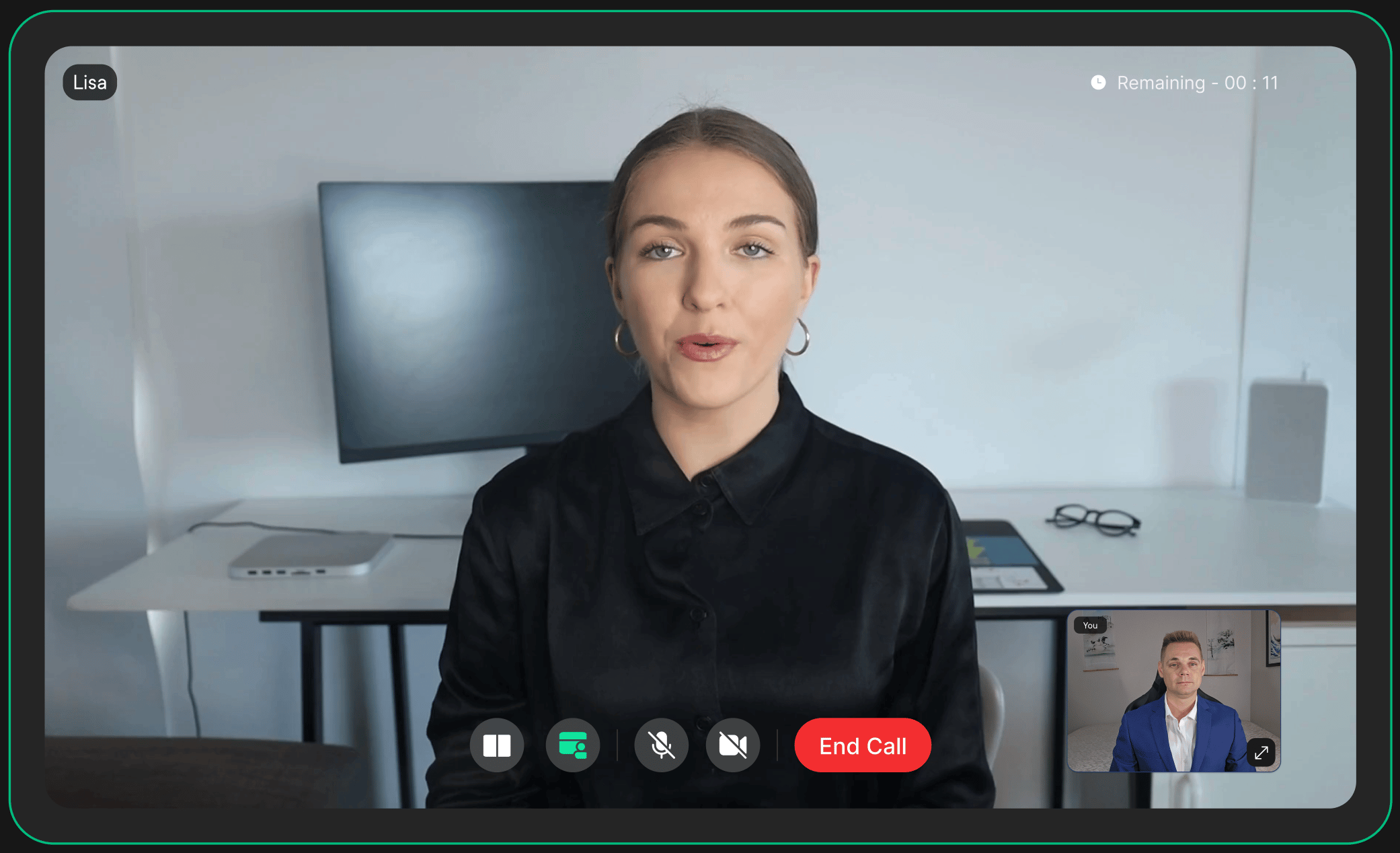
AI Teammates don’t just wait for a user to finish speaking: they actively manage the natural rhythm of conversation.
See the full pipeline →
What You Can Configure
Each AI Teammate can be fully configured from scratch, or built from a Template: a reusable blueprint you can share across multiple agents to keep behaviour consistent. Either way, you control:Persona & Tone
Define the agent’s role, personality, and communication style through a system prompt.
Voice & Language
Choose voice, accent, and language. AI Teammates support multilingual conversations out of the box.
Knowledge Sources
Attach internal docs, FAQs, product data, or APIs so responses are grounded in your content.
Tools & Function Calling
Connect external APIs and services the agent can call in real time during a conversation.
Entry & Exit Behaviour
Set custom greeting and farewell messages for session start and end.
Session Controls
Set max session length, idle timeout behaviour, and recording preferences.
Capabilities
Quick Integration
The fastest way to deploy an AI Teammate is a single iframe: no SDK, no WebRTC setup, no media pipeline configuration. For React and Next.js apps, use the React widget instead.- React
- iFrame
What’s Next?
Templates
Create and manage reusable persona blueprints for consistent agent behaviour at scale.
API Reference
Explore the full set of APIs to create and manage AI teammates programmatically.